
Zcribe
Beta — Free for early adopters

Patient intake, reimagined.

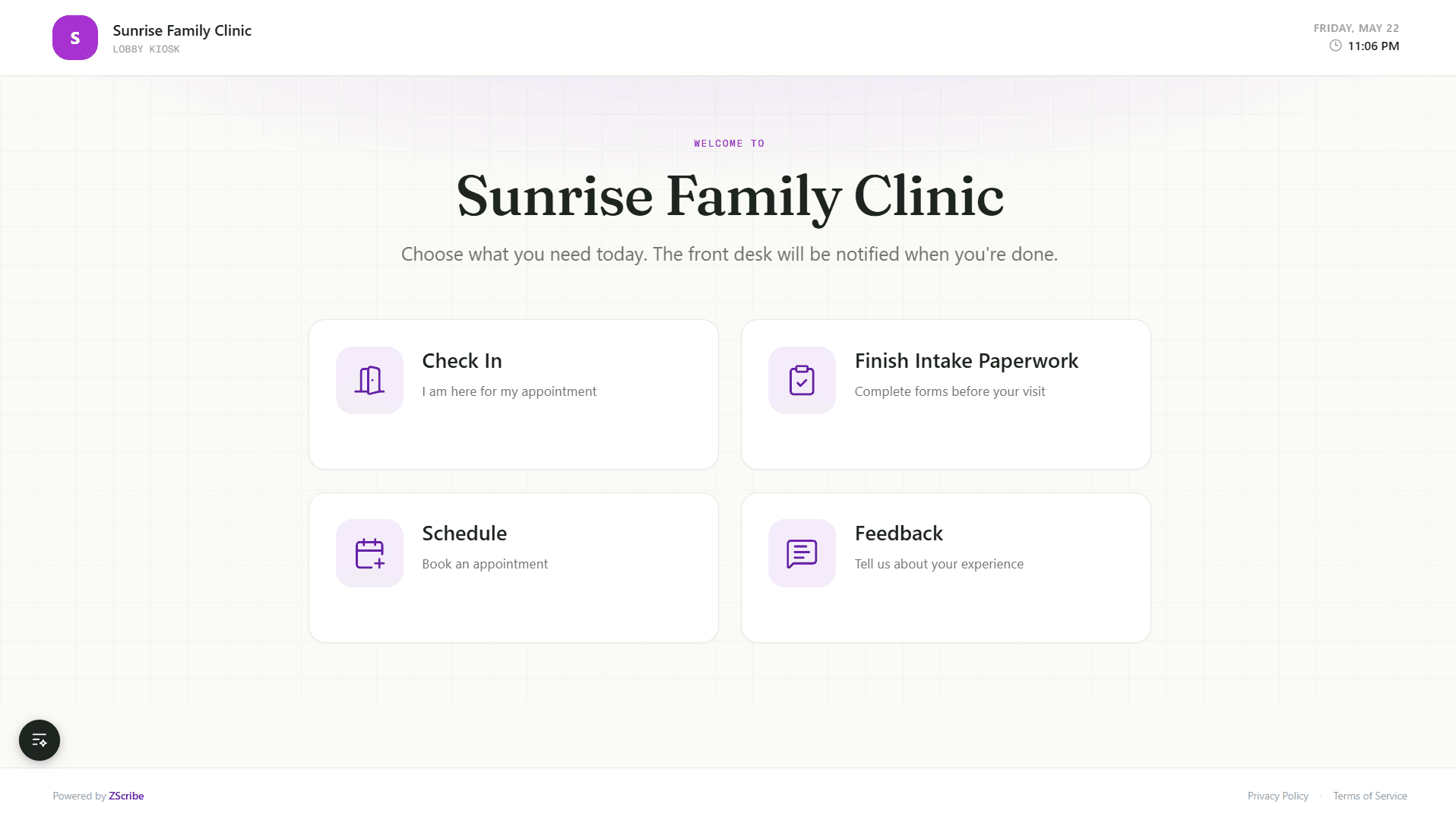
Replace paper forms with a seamless digital experience. Custom forms, e-signatures, AI document extraction, and automated notifications — all in one platform.

Start Free
SC
MR
JT
KP
Trusted by 200+ healthcare providers
Form submitted
Signed consent
🤖 AI extracted data
app.zcribe.com/dashboard
Total Patients
1,247
Active Intakes
38
Completed
892
Completion Rate
94%
Recent Intakes
EC
Emily Chen
General Intake Packet
Completed
MJ
Marcus Johnson
General Intake Packet
In Progress
SW
Sarah Williams
General Intake Packet
Pending
DK
David Kim
General Intake Packet
Completed

Trusted by healthcare providers across the US

Meridian Family HealthCoastal OrthopedicsThompson PediatricsSummit Urgent CareBayview Dermatology

Features

Everything you need for modern intake

From digital forms to AI-powered document extraction. One platform, zero paper, complete automation.

Drag-and-Drop Form Builder

Build dynamic intake forms with conditional logic, validation rules, and organized sections. Preview on any device in real time.

Real-time preview

E-Signatures & Consents

Upload consent PDFs, place signature fields visually, and collect legally binding e-signatures directly on patients' devices.

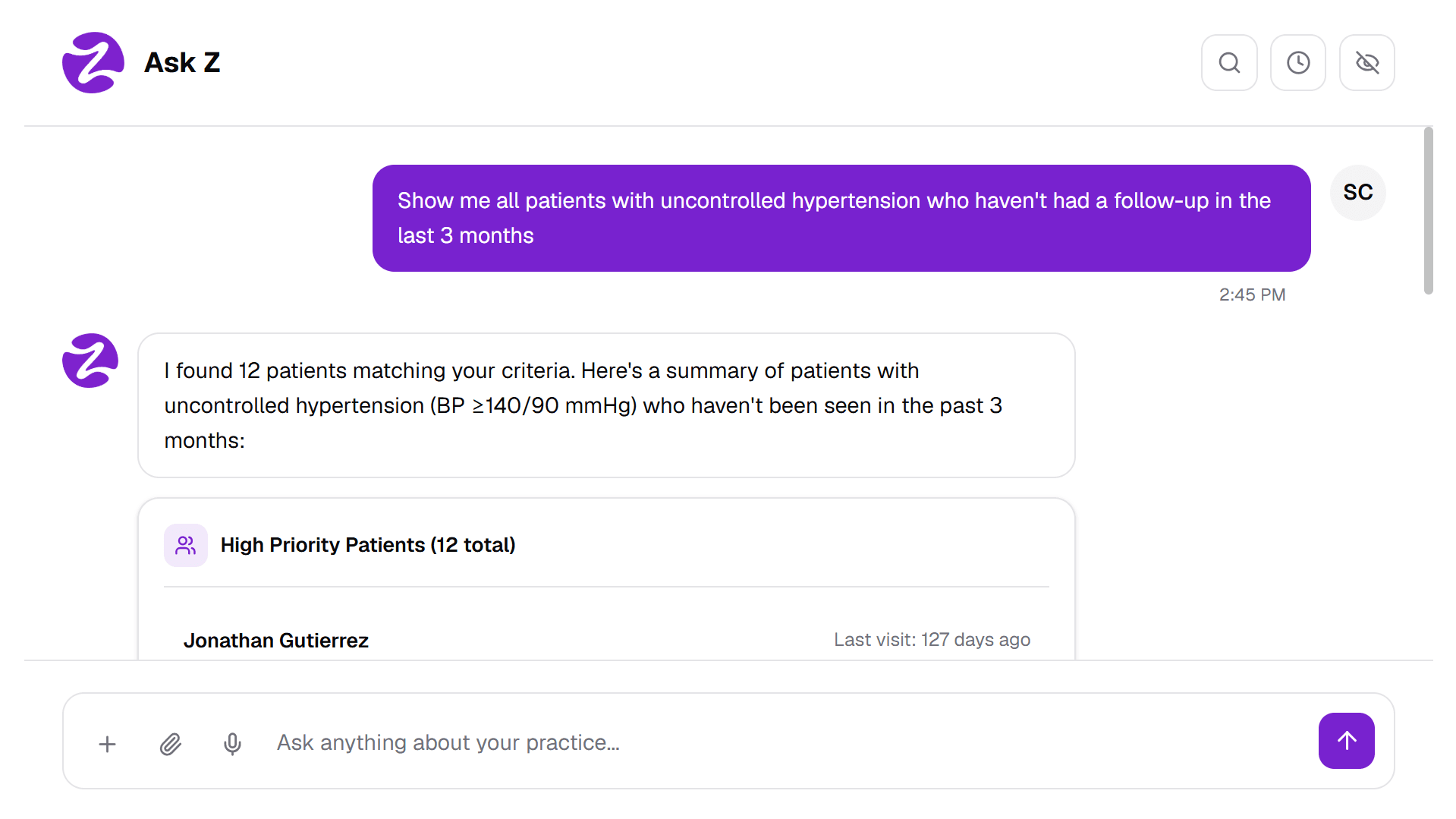
AI Data Extraction

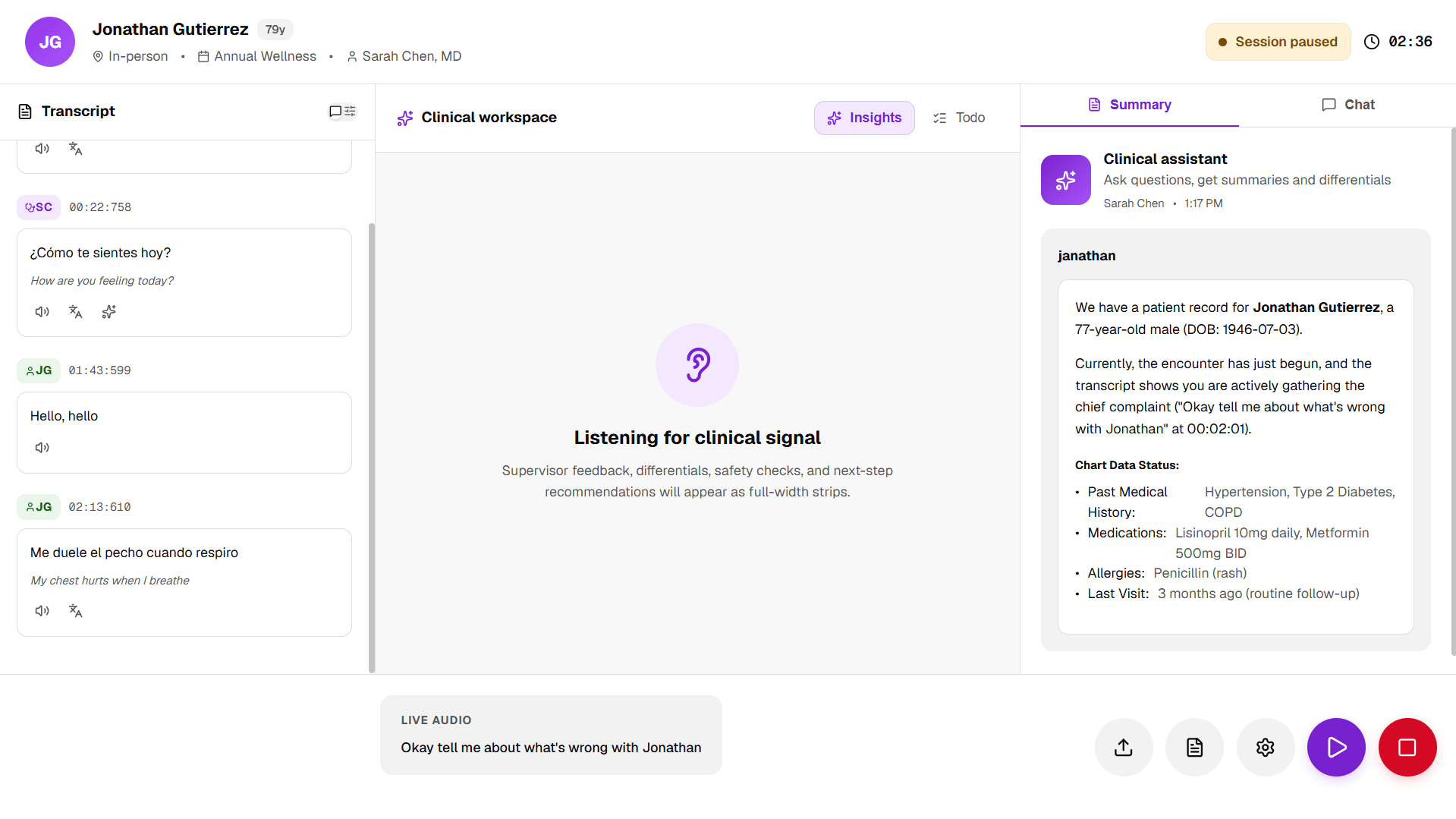
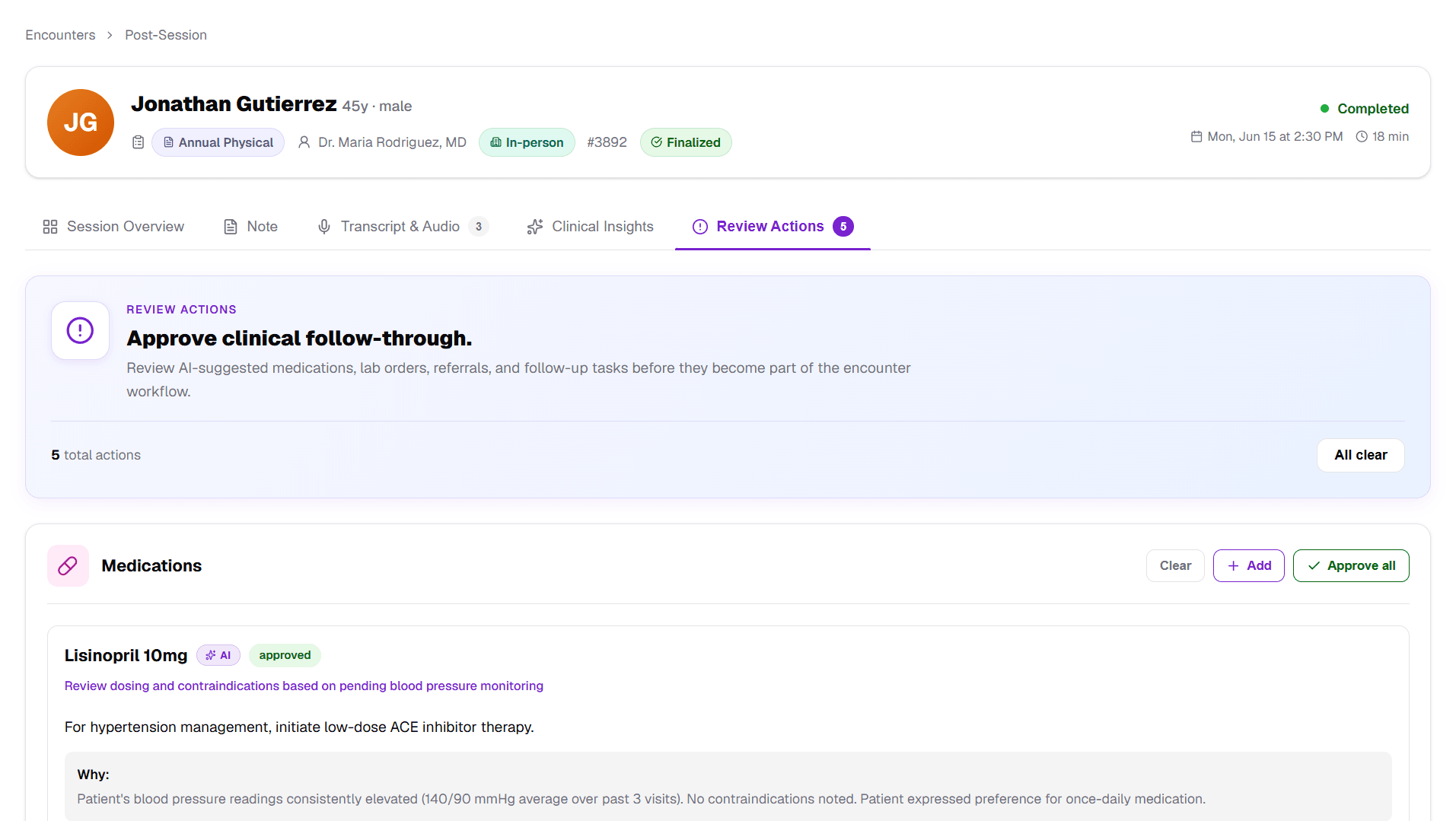
Automatically extract patient data from captured documents using Google Gemini. Review and confirm before saving, no manual entry required.

Extracted from ID

NameSarah Williams
DOB03/15/1990
ID #DL-****4821

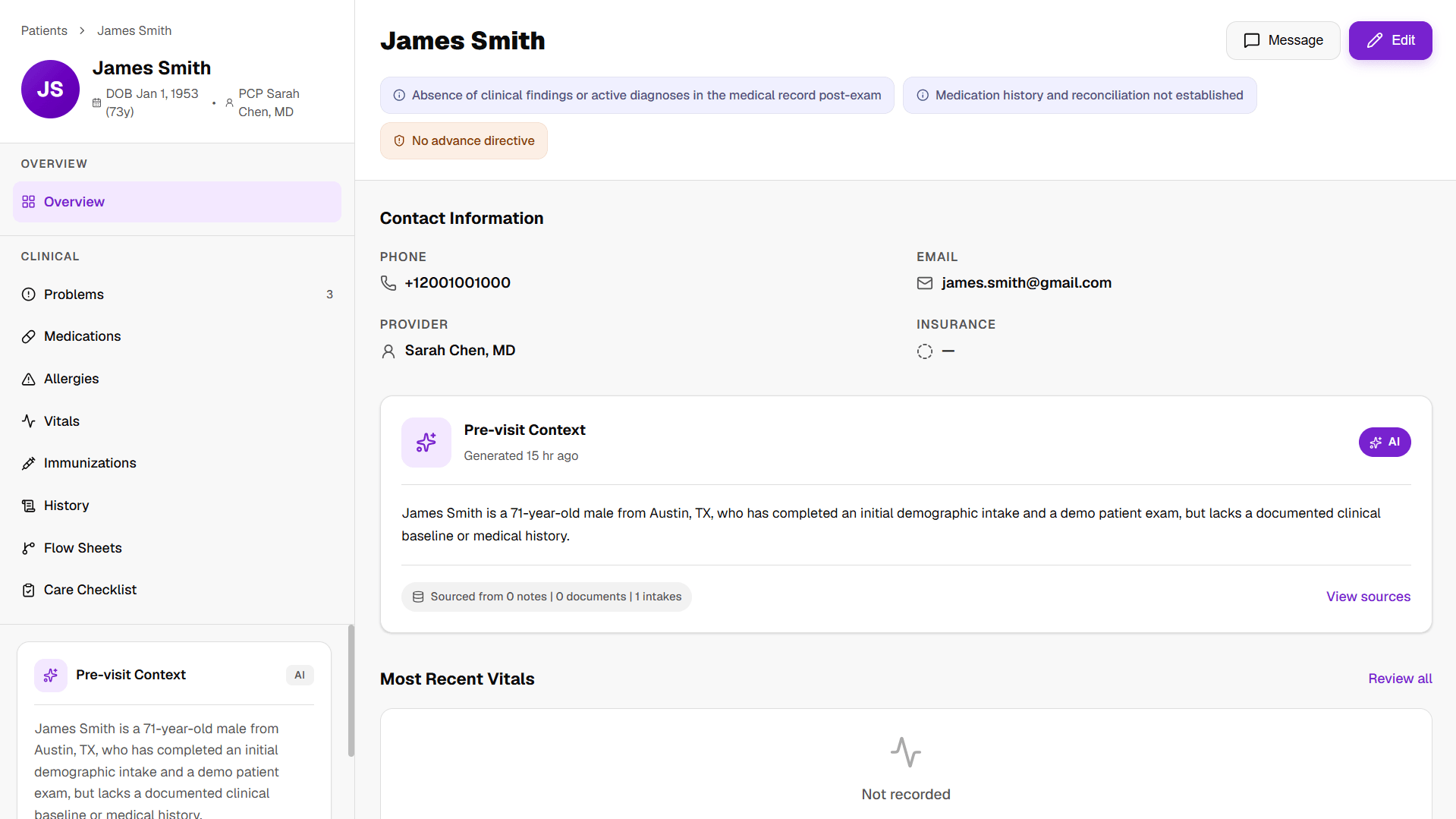
Document Capture

Patients photograph IDs and insurance cards with their phone camera. Built-in cropping and compression ensure clean, optimized captures.

Smart Notifications

Send intake links via email and SMS with escalated reminders. Track delivery status and ensure patients complete forms before appointments.

Intake Packets

Bundle forms, consents, and document requirements into reusable packets. Assign a complete intake workflow with a single click.

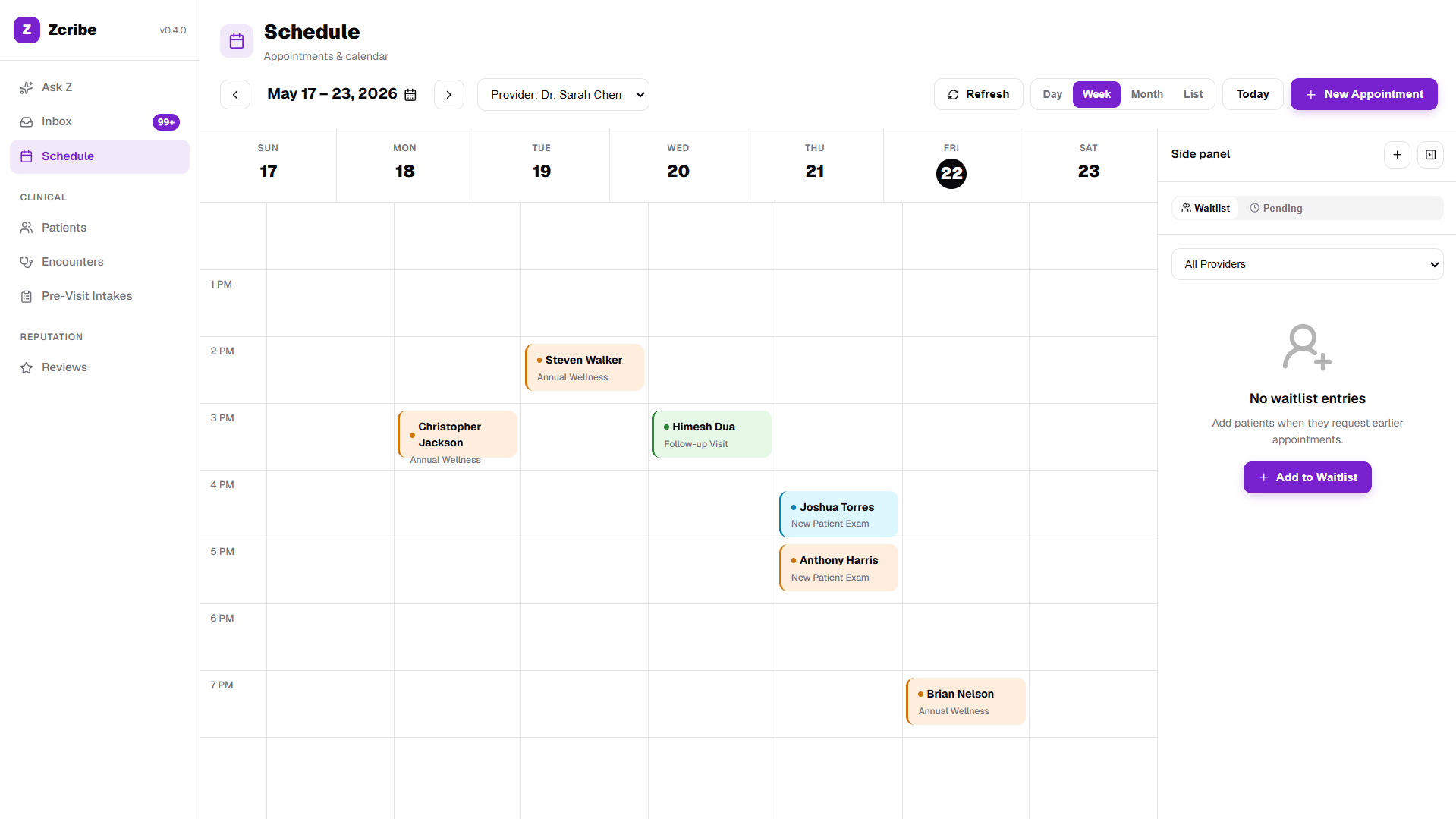
Real-Time Dashboard

Track intake progress, completion rates, and pipeline metrics. Filterable date ranges, funnel visualization, and team performance at a glance.

Live analytics

HIPAA-Ready Security

Encrypted data at rest and in transit, role-based access controls, audit logging, webhook signature verification, and rate limiting built in.

< 2 min
Average completion time

Patients finish intake in under 2 minutes on mobile

100%
Digital & paperless

No scanning, no filing cabinets, no lost forms

85%
Faster check-in

Reduce front-desk wait times dramatically

0
Manual data entry

AI extracts patient data from captured documents

How It Works

Four steps to paperless intake

Get up and running in minutes. No complex setup, no training needed.

01

Build Your Intake Packet

Create custom forms with our drag-and-drop builder, upload consent PDFs, and bundle them into reusable intake packets. Set up once, reuse for every patient.

02

Send to Patient

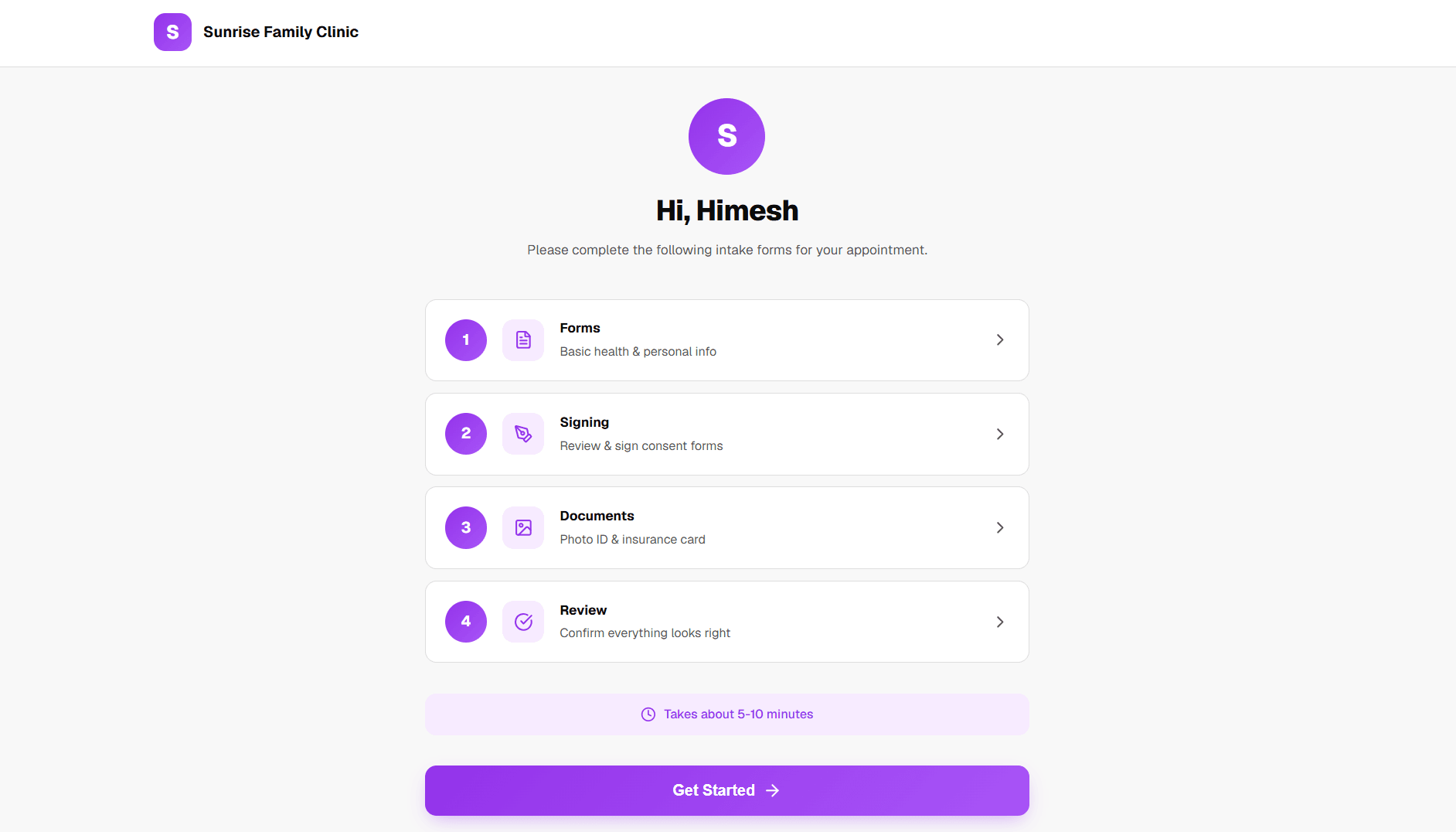
Add a patient and assign a packet. They receive a secure link via email or SMS with escalated reminders. No app download, no account creation needed.

03

Patient Completes on Mobile

Patients fill forms, sign consents, and capture ID and insurance photos from their phone browser. A guided, one-question-at-a-time experience in under 10 minutes.

04

Review & Finalize

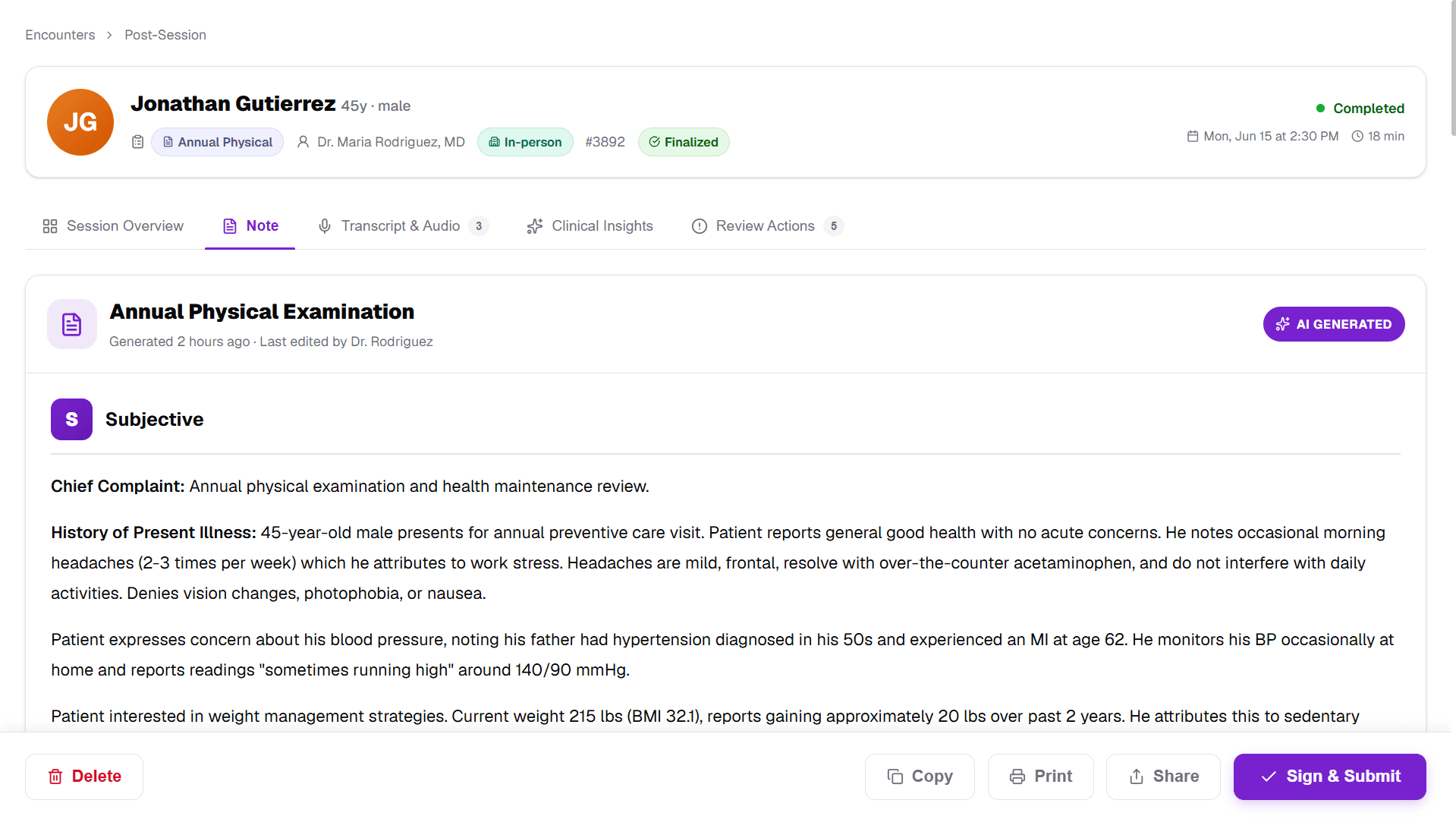
Review completed forms, AI-extracted data, signed consents, and captured documents. Generate a complete PDF packet for your records with one click.

Security

Built for healthcare security

Your patients trust you with their data. We help you keep that trust.

HIPAA-Ready Architecture

Encrypted data at rest and in transit, role-based access controls, and comprehensive audit logging.

Secure Document Storage

Patient documents and signed consents stored with enterprise-grade encryption. Strict role-based access.

Privacy by Design

No PHI in SMS messages. Token-based intake links. No data shared with third parties. Your data stays yours.

256-bit Encryption
Enterprise Security
99.9% Uptime
HIPAA Compliant

Testimonials

What clinics are saying

Zcribe cut our front-desk check-in time from 15 minutes to under 2. Patients complete everything before they even walk in the door.

SC

Dr. Sarah Chen

Family Practice Director · Meridian Family Health

The document capture and AI extraction is a game-changer. No more squinting at handwritten forms or manually entering insurance details.

MR

Maria Rodriguez

Office Manager · Coastal Orthopedics

Setup was straightforward, and our patients -- even the less tech-savvy ones -- had no trouble completing intake on their phones.

JT

James Thompson

Clinic Administrator · Thompson Pediatrics

Pricing

Simple, transparent pricing

Start modernizing your intake today. No credit card required.

Beta - Free Access

Early Access

$0/month

Free during the beta period

Everything included, no limits:

  • Unlimited intake forms & consent templates
  • Unlimited patients & intake sessions
  • Document capture with AI extraction
  • Email & SMS notifications with reminders
  • E-signatures & PDF packet generation
  • Team management & role-based access
  • Real-time dashboard & analytics
  • Custom branding & white-label intake
  • Priority support during beta
Get Started Free

No credit card required. Cancel anytime.

FAQ

Frequently asked questions

Everything you need to know about Zcribe.

Is Zcribe HIPAA compliant?

Zcribe is built with HIPAA-ready architecture. All data is encrypted at rest and in transit with 256-bit encryption. We use role-based access controls, comprehensive audit logging, and never include protected health information in SMS messages. Our infrastructure runs on enterprise-grade cloud providers with SOC 2 compliance.

Do patients need to download an app?

No. Patients receive a secure link via email or SMS and complete their intake entirely in their phone's web browser. No app downloads, no account creation, no passwords. The entire experience is designed to be frictionless.

How does the AI document extraction work?

When patients photograph their ID or insurance card, our AI (powered by Google Gemini) analyzes the image and extracts relevant data fields automatically, including name, date of birth, insurance ID, group number, and more. Staff can review and confirm the extracted data before saving, ensuring accuracy without manual data entry.

How long does it take to set up?

Most clinics are up and running within 30 minutes. Create your account, build your first intake form with our drag-and-drop builder, upload consent templates, bundle them into a packet, and you're ready to send your first digital intake.

What happens if a patient doesn't complete their intake?

Zcribe sends automated, escalated reminders via email and SMS. The first reminder is friendly, the second more direct, and the third is flagged as urgent. You can configure reminder intervals and maximum reminder counts in your settings. Reminders automatically stop when the appointment date passes.

Can I customize the intake experience with my clinic's branding?

Yes. Upload your clinic's logo, set your brand color, and customize welcome and thank-you messages. Patients see your clinic's branding throughout the entire intake flow, creating a professional, trusted experience.

What's included in the free beta?

Everything. During the beta period, all features are free with no usage limits: unlimited forms, unlimited patients, unlimited consent templates, document capture with AI extraction, email and SMS notifications, team management, PDF packet generation, and priority support.

How does e-signature work?

Upload a consent PDF, visually place signature fields on the document, and save it as a template. When patients reach the consent step, they see the document and sign directly on their screen using their finger or stylus. Signatures are captured with timestamps and embedded into the final PDF for legal compliance.

Ready to go paperless?

Join healthcare providers who have modernized their intake process. Get started in minutes, no credit card required.

No credit card required · Cancel anytime · Free during beta